Delete a permit from a work order
Daily workflow
You can delete a permit that was added to the wrong Work Order, imported incorrectly, or is no longer required.
Deleting a permit is permanent
Deleting a permit permanently removes it from the Work Order. Any axle information belonging to that permit will also be removed.
Check that you have selected the correct permit before continuing.
Delete a permit
- Open the Work Order.
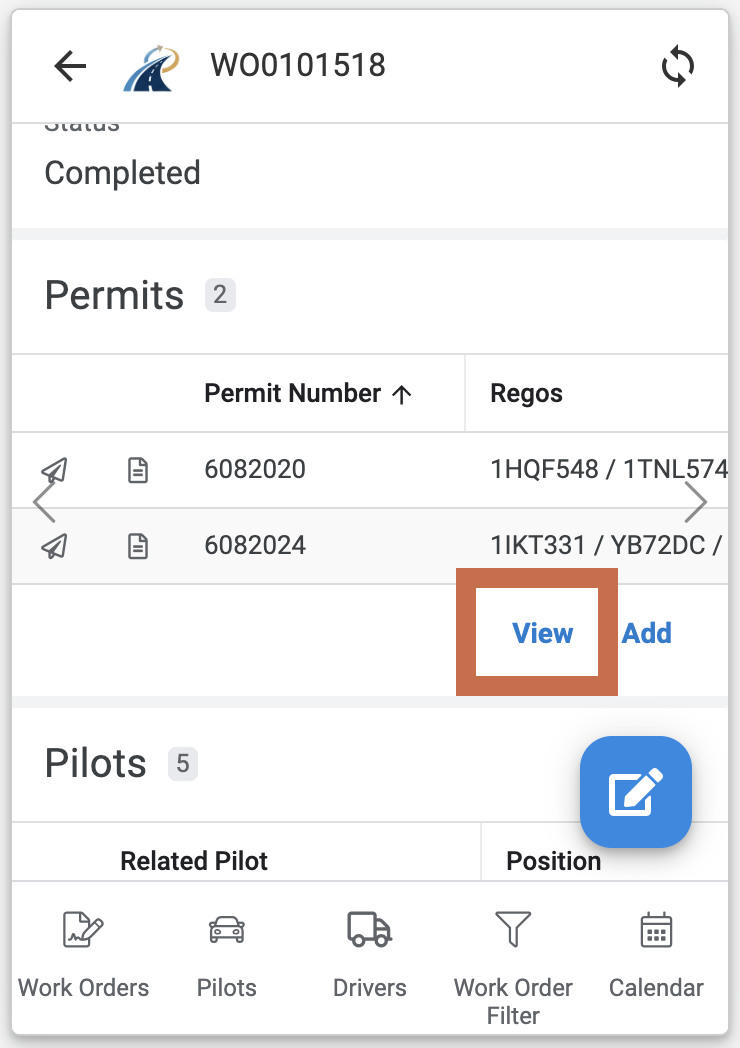
- Scroll to the Permits section.
- Select View to open the permits attached to the Work Order.
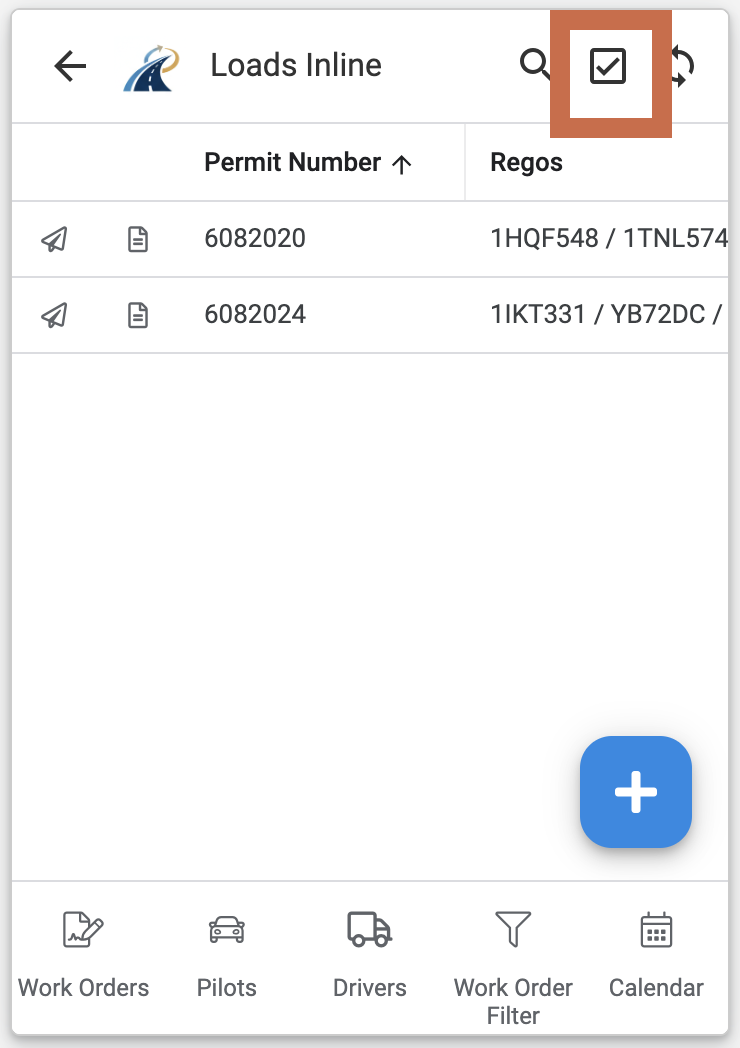
- Select Edit.
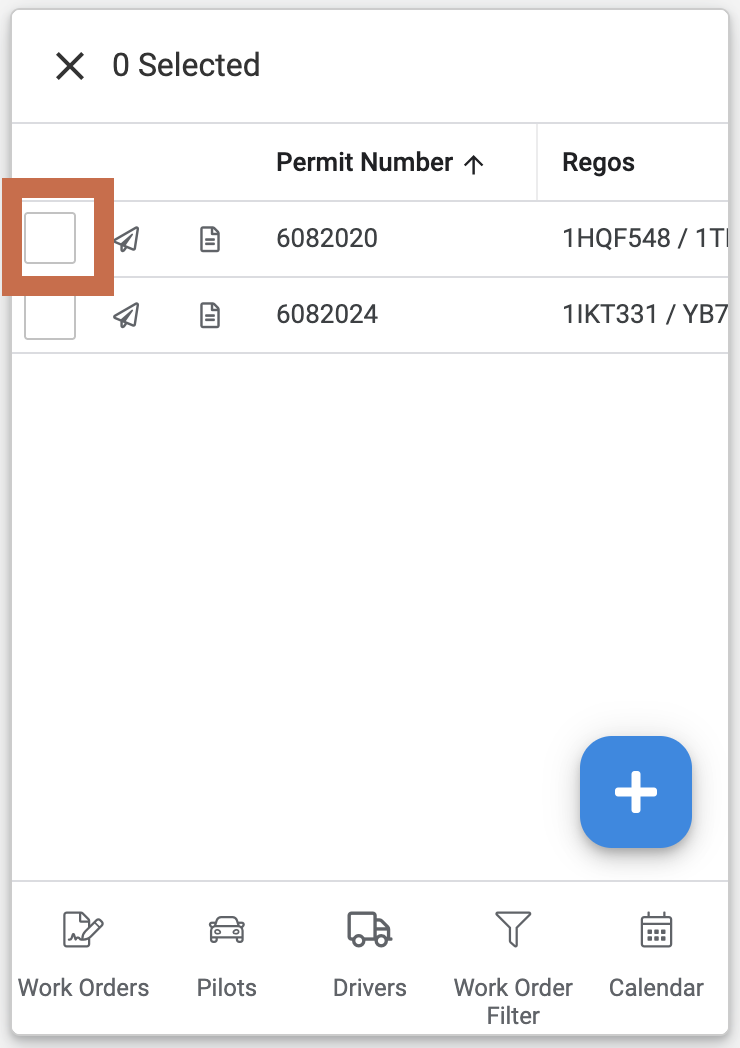
- Select the permit you want to remove.
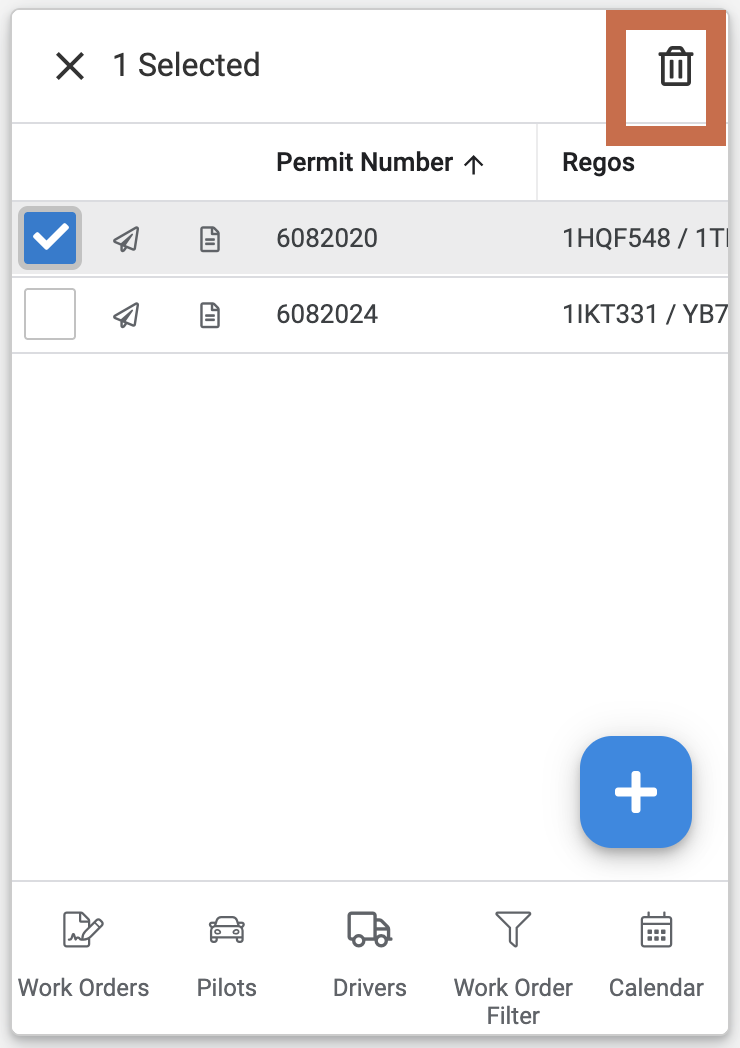
- Select Delete.
- Confirm the deletion when prompted.
The permit will no longer appear in the Permits section of the Work Order.