Complete the job
Daily workflow
Completing the job involves confirming the submitted details in TESS and ensuring the Work Order is marked Completed in the app.
Complete the final review in TESS
- Open the relevant Work Order in TESS.
- Open the Drivers and Pilots form.
- Review the submitted information.
- Set the duration.
- Mark the form as complete after all details have been checked.
The app sends information to TESS but does not replace the final TESS review.
Confirm completion in the app
After the Work Order is completed in TESS, its status should update in the app during the next hourly synchronisation.
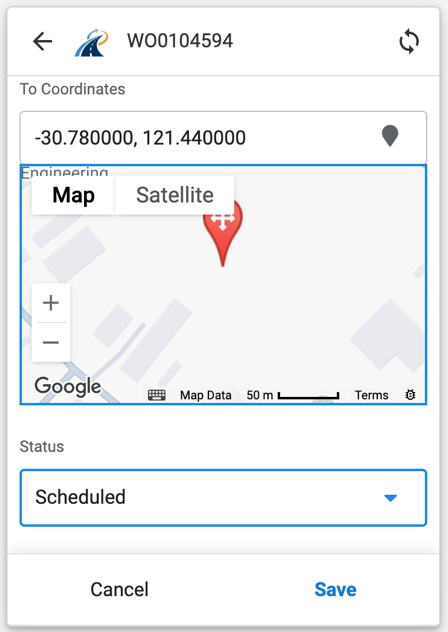
To complete it manually in the app:
- Open the Work Order.
- Select Edit.
- Scroll to the bottom of the form.
- Change Status from Started or Scheduled to Completed.
- Select Save.
Completed Work Orders are hidden from the default Work Order view. Use Work Order Filters to display them.
When a Work Order is completed, you will also receive an email containing a PDF summary of the loads, pilots and drivers.