Vehicles and assets
Add your regular vehicle and asset details before completing a monthly vehicle checklist.
Add your vehicle
- Open the main menu.
- Select My Vehicle.
- Select + to add a vehicle.
- Enter the vehicle registration and asset details.
- Select Save.
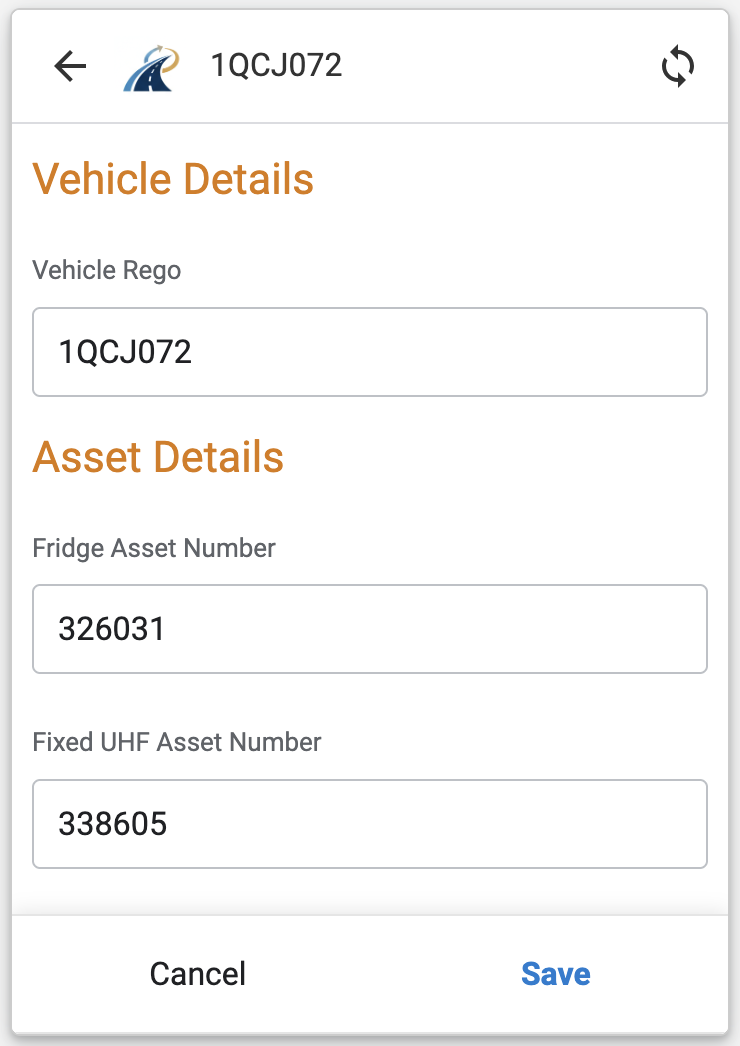
The app then checks TESS for the matching vehicle registration. After a match is found, Monthly Vehicle Checklists becomes available in the menu.
Note
If the checklist menu does not appear after the vehicle has been saved and the app has synchronised, check the registration and contact your usual support contact.