Monthly vehicle checklist
The Monthly Vehicle Checklists menu becomes available after your vehicle registration has been matched in TESS.
Add a checklist
- Open Monthly Vehicle Checklists from the menu.
- Review any checklists already sent to TESS.
- Select + to add a new checklist.
- Complete the checklist, odometer reading and asset details.
- Select Save.
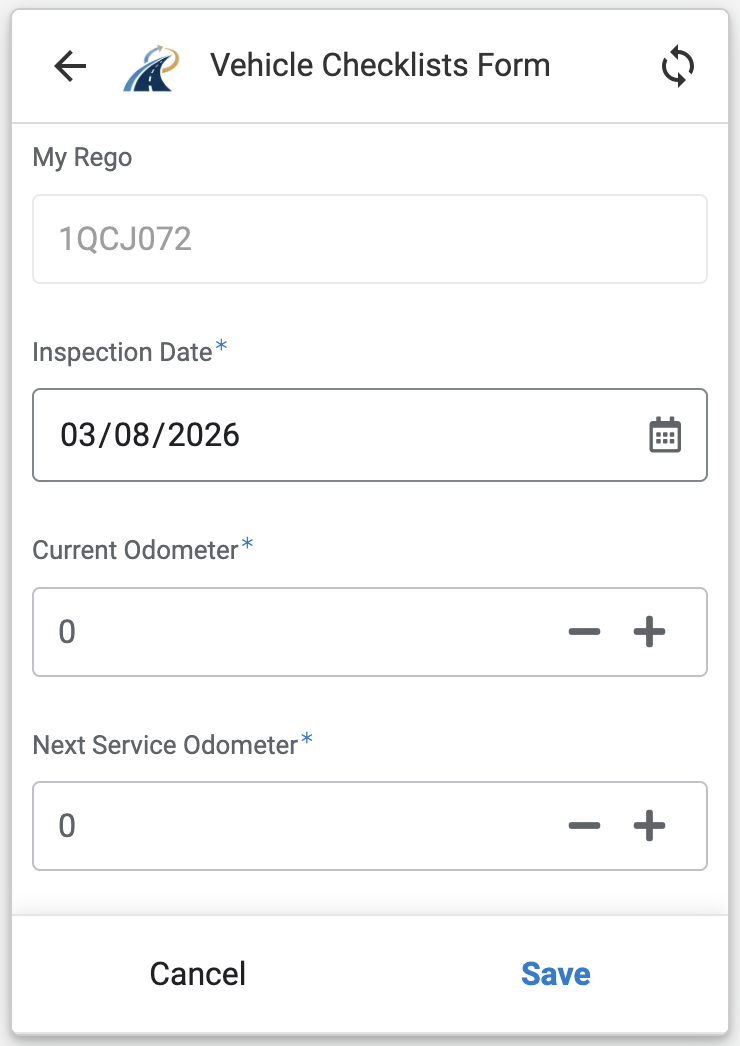
The checklist is sent to TESS and creates a new Monthly Vehicle Checklist record. Log in to TESS and confirm that the details were added correctly.
Note
Complete the checklist according to the current operational requirement for your vehicle. Contact your supervisor or usual support contact if you are unsure when it is due.