Send details to TESS
Daily workflow
Send the movement details
After checking the relevant information, open the Work Order and select Send Measures to TESS.
The upload may include:
- permit details, including Western Power permits
- permitted and actual measurements
- permitted and actual axle spacings
- pilot details
- driver details
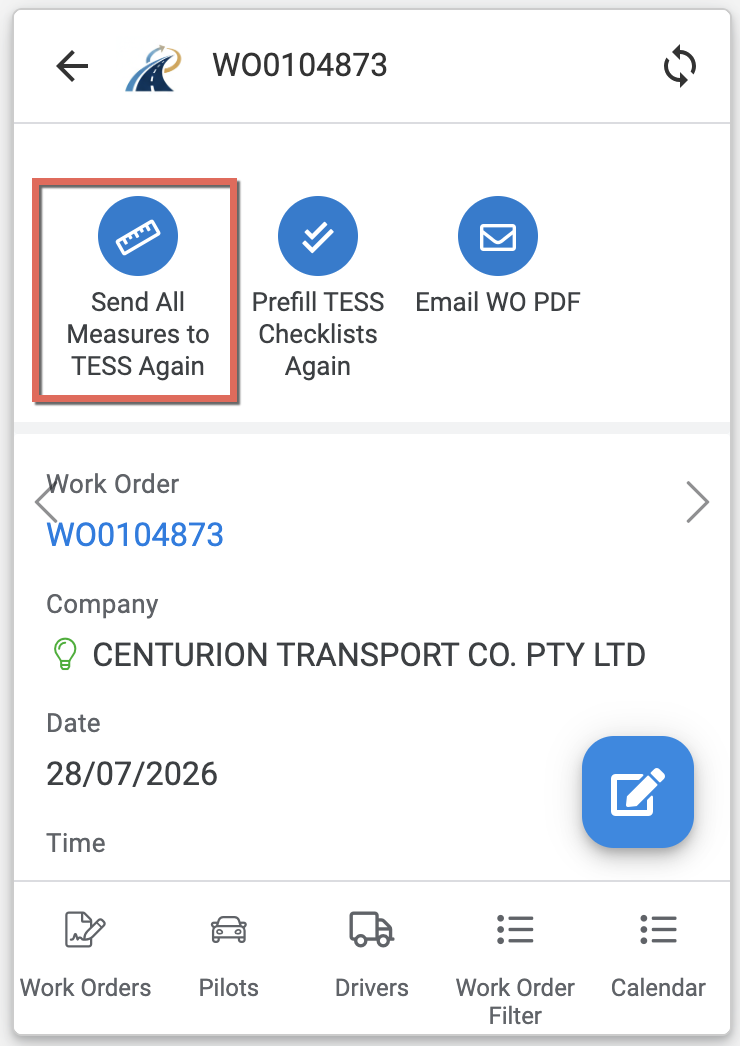
The request is placed in the upload queue and is normally processed within the next five minutes. You will receive an email advising whether it succeeded or failed.
You can send the information again after making corrections. A successful upload replaces the previously submitted values in TESS.
Read failure emails
A failed upload does not update TESS. Read the failure email, correct the identified issue where possible, and submit the upload again.
Prefill the TESS checklists
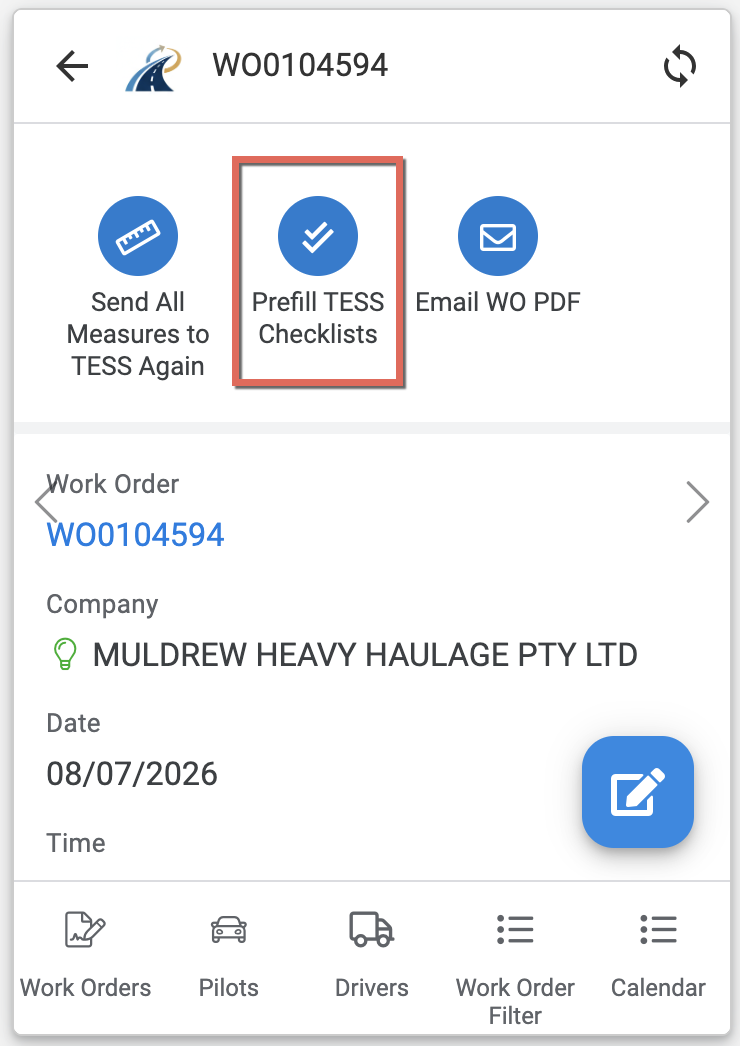
Select Pre Fill TESS Checklists to send the available details to:
- Traffic Escort Toolbox Checklist
- Pre to Post Job Checklist
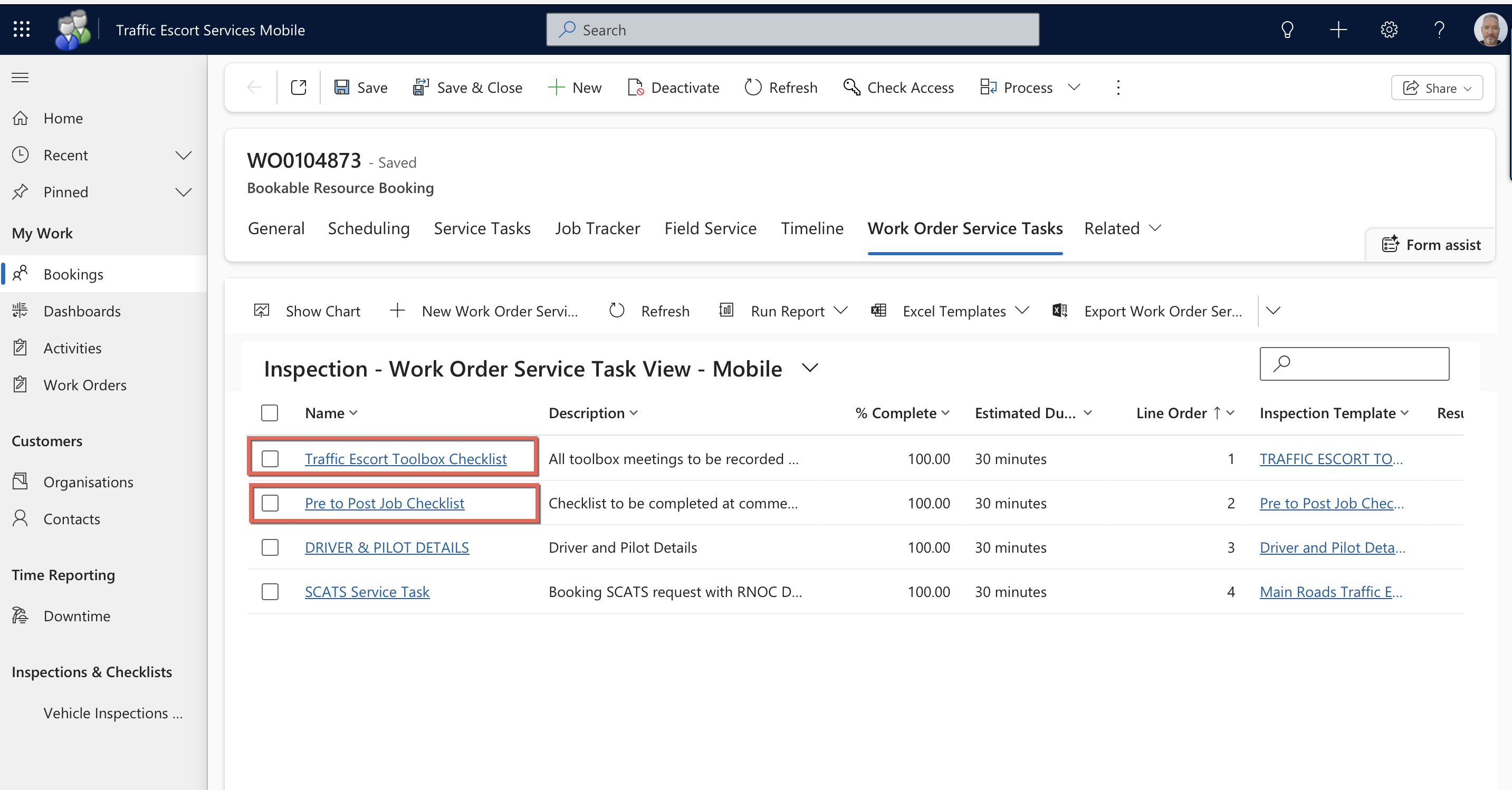
Review the forms in TESS and complete any details that were not available in the app.