Calendars
App calendar
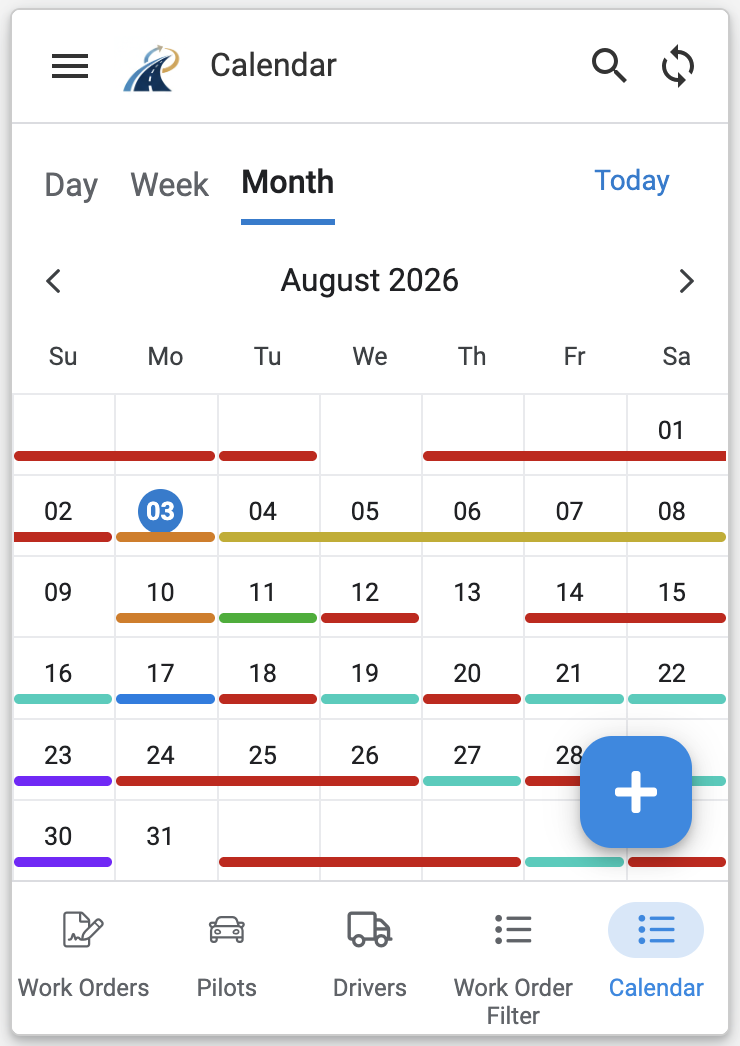
Select Calendar from the bottom menu to view your Work Orders and downtime downloaded from TESS.
External calendar feed
- Open the main menu.
- Select My Subscription.
- Select Add Calendar Feed.
- Follow the instructions to generate and install your calendar-feed link.
The feed uses the standard ICS format and can be added to Google Calendar, Apple Calendar and Microsoft Outlook.
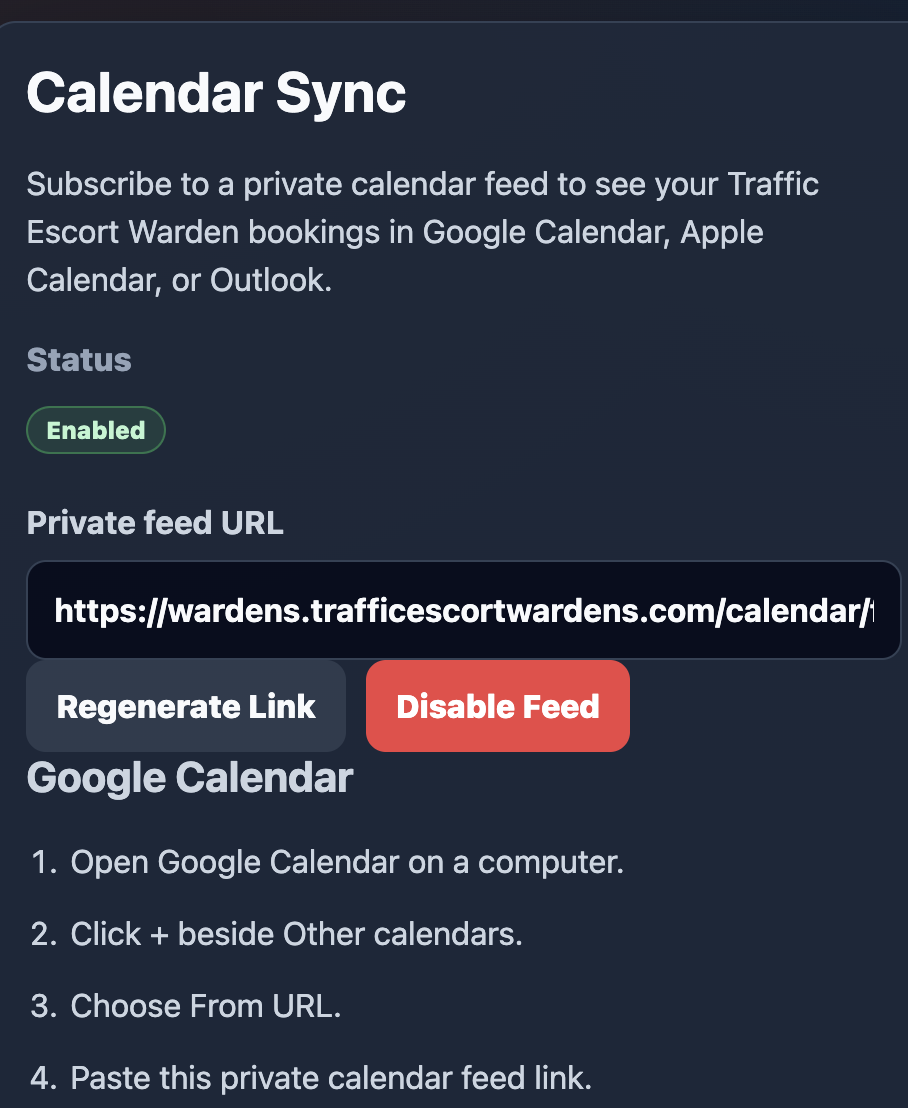
Keep the feed link private
Anyone with your calendar-feed link may be able to view the Work Orders included in the feed. Do not share it.
External calendar providers control how often subscribed calendars refresh, so changes may not appear immediately.